Reviews cross several desks
Dispatch, safety, compliance and warehouse staff may each own a part of one request. Without a shared case, the next handoff can be missed.

A special-load move, a warehouse licence file or a new carrier registration can involve several teams and a stack of supporting records. ICANSoft helps logistics staff collect details, coordinate internal reviews and follow each request through to the next decision.
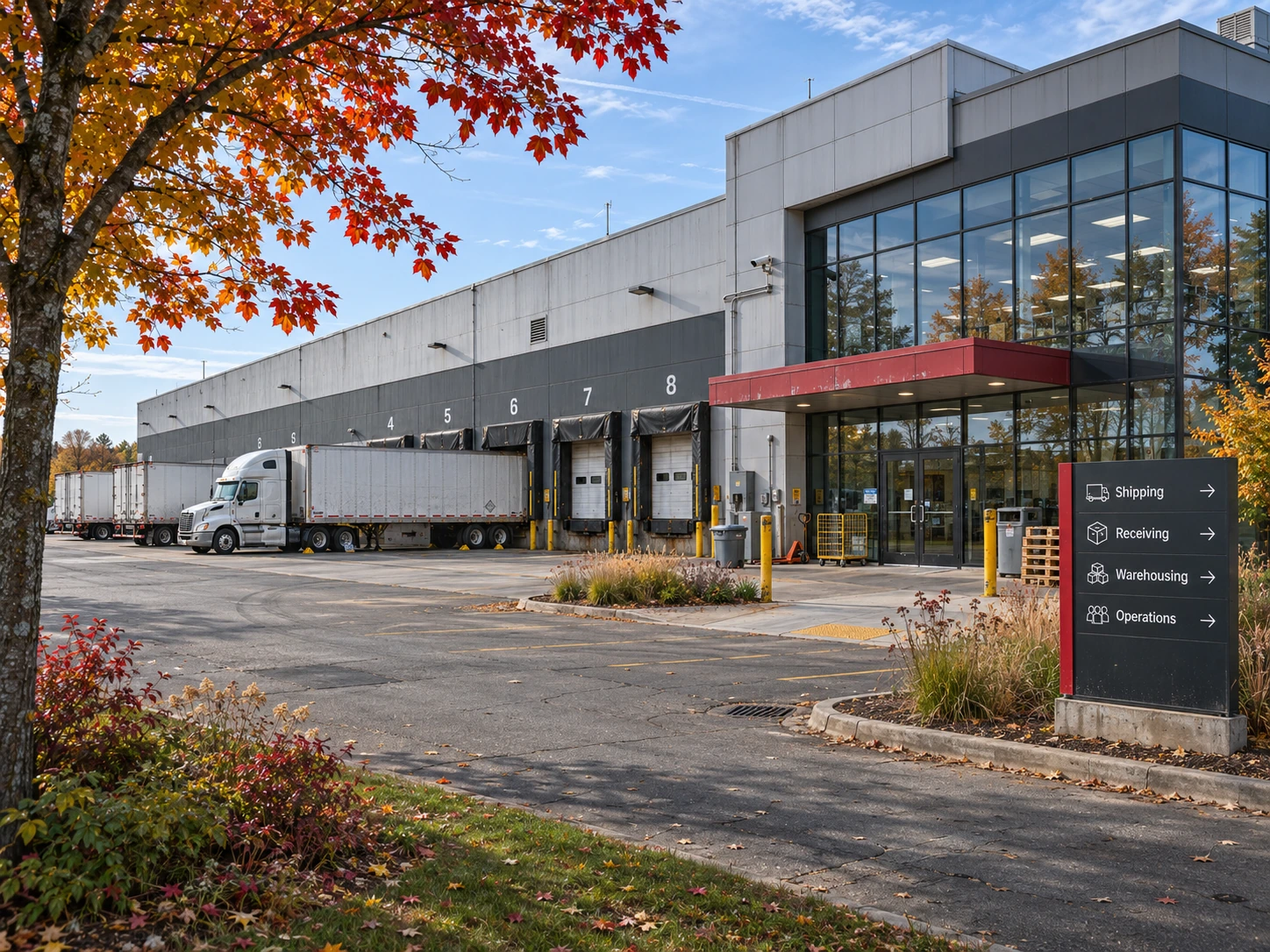
A special-load movement may need dispatch, fleet compliance and route review. A bonded warehouse application calls for premises information, security details and supporting plans. When updates sit in separate inboxes, it is difficult to see what is ready and who needs to act next.
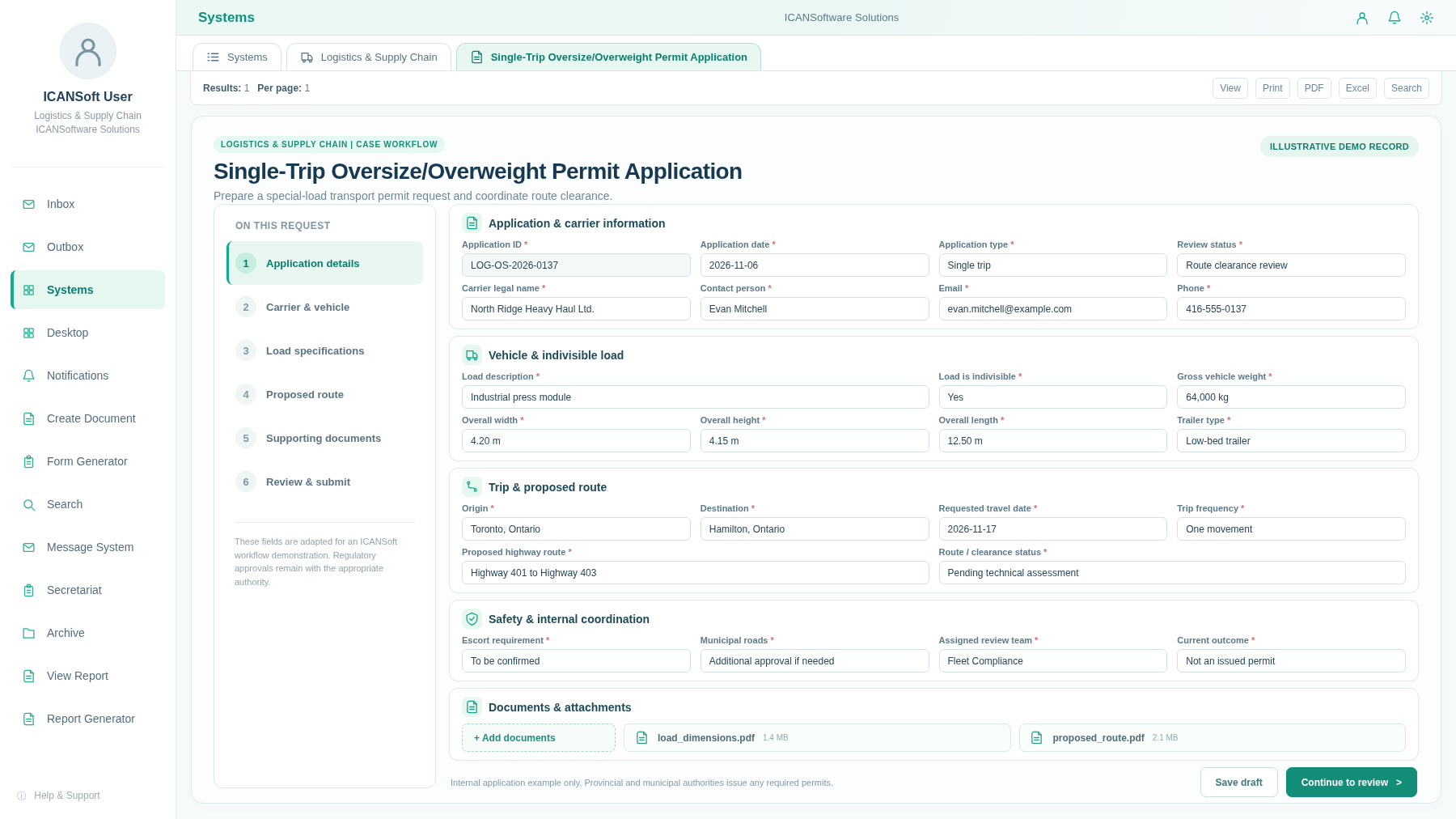
Case LOG-OS-2026-0137 / Internal permit preparation
Dispatch, safety, compliance and warehouse staff may each own a part of one request. Without a shared case, the next handoff can be missed.
Route drawings, incorporation records, site plans and supporting approvals can be hard to reconcile when they live in separate folders.
Operations teams need to know which load, carrier or facility request is waiting for information - and which deadline is approaching.
Start with one operational request, keep its records together and route the right checks to the right people. These are practical places for logistics teams to begin.
Collect load dimensions, vehicle details, proposed routes and travel dates; coordinate internal checks and track submission to the appropriate transport authority.
Organize E401 business and premises details, goods categories, site plans and security records. Assign internal verification before the applicant submits to the CBSA.
Prepare Ontario CVOR files with legal business details, estimated fleet size, corporate officers and consent documents, then monitor internal application tasks.
Collect requests for dock slots or delivery changes, check capacity, assign exceptions and log the decision for transport and warehouse teams.
Record inspection findings, equipment or facility issues, assigned actions and completion evidence without losing the original observation.
Request insurance and operational documents, route checks to the relevant staff and flag expiring records for follow-up.
An internal workflow can collect load specifications, send route details to the correct reviewers and track the outstanding records before a permit application goes to the transport authority.
One-time heavy equipment movement
Use three connected capabilities to capture logistics requests, route internal reviews and see which cases need action - whether they concern loads, carriers or warehouse operations.
Configure digital intake for special-load movements, warehouse licensing documents, carrier registration, dock bookings and operational follow-up with ICANSoft BPMS.
Report on application volumes, internal review stages, incomplete documents and deadlines using the data collected in forms and workflows.
Assign tasks, notifications and approval steps across dispatch, compliance, operations and managers. Assess application integration where systems and interfaces permit.
A focused workflow gives the team a chance to document existing work, test the approach and measure whether the process has improved.
Identify how a request starts, who reviews it, which forms or bylaws matter and where information is currently stored.
Output: current-state process map and scope.Define future-state steps, responsibilities, required fields, exception handling and when staff approval is needed.
Output: agreed workflow design.Set up digital intake, task assignments, notifications, routing rules and process tracking against the approved design.
Output: a configured workflow for testing.Assess approved interfaces and use application integration to exchange the information needed between workflow and existing applications, where feasible.
Output: tested integration points and controls.Train users, review outstanding requests and monitor useful measures such as time awaiting review or overdue work.
Output: operational process and baseline measures.Use staff feedback and process data to refine bottlenecks. Decide which additional services would benefit from a similar approach.
Output: prioritized improvement plan.Freight and warehouse workflows need clear authority, dependable records and practical controls. Set these boundaries before routing requests across departments.
CVOR registrations, oversize permits and customs bonded warehouse licences are issued by the responsible governments. ICANSoft can help organize internal preparation, not replace official filing and decisions.
Define access to applicant, vehicle, carrier and business records; confirm privacy, retention and security expectations for the organization and the jurisdictions involved.
Review any proposed link to WMS, TMS, ERP, document repositories or government portals against available interfaces, permissions, security controls and actual scope.
Keep supporting plans, reviewer notes, assigned actions and status changes associated with each request. Confirm document ownership and any audit or recordkeeping requirements.
A few practical questions to work through before configuring your first process.
No. The provincial transport authorities or the CBSA make those decisions. ICANSoft can support an internal application-preparation and tracking workflow, while official forms and submissions use the required government channels.
Yes. Many teams begin with special-load permit preparation, carrier onboarding or document checks. Start with one form, its reviewers, the supporting records and a useful report.
Potentially. ICANSoft offers application-integration capabilities, but each interface needs a technical and security review. Integration is scoped only where a supported, approved connection is feasible.
Forms, routing rules and reviewer roles can be configured for distinct operations. Local permit rules and the authority responsible for approval must still be confirmed for each jurisdiction.
Define who can submit, review and access each record, plus how files are retained and monitored. Those choices should be aligned with organizational policy and applicable privacy or recordkeeping obligations before launch.
Tell us where freight requests, warehouse approvals, carrier files or operational follow-up slow your team down. We can discuss a focused workflow to start with.
Contact Us