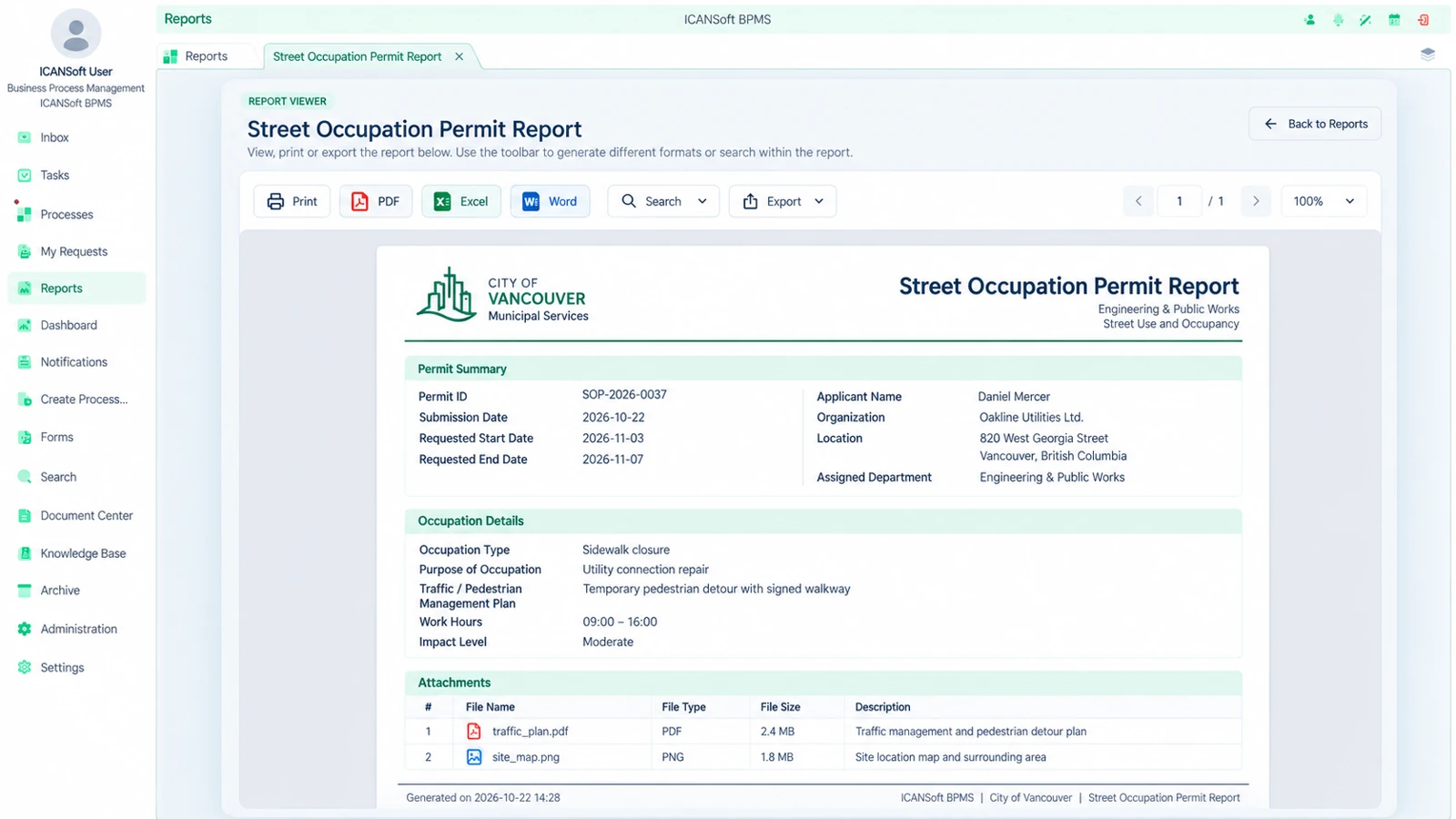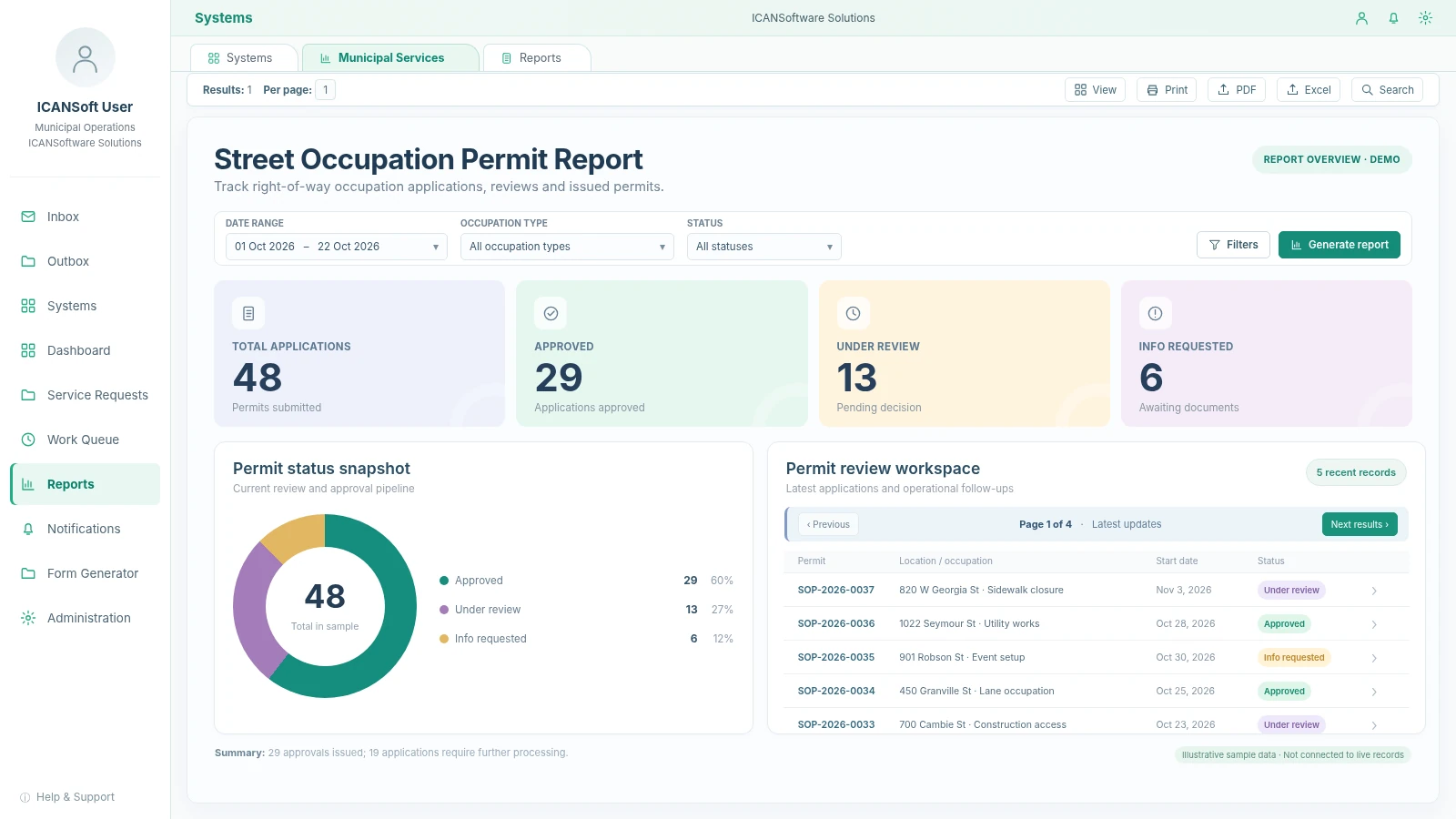
Permit dashboard
1 / 6Street Occupation Permit Report
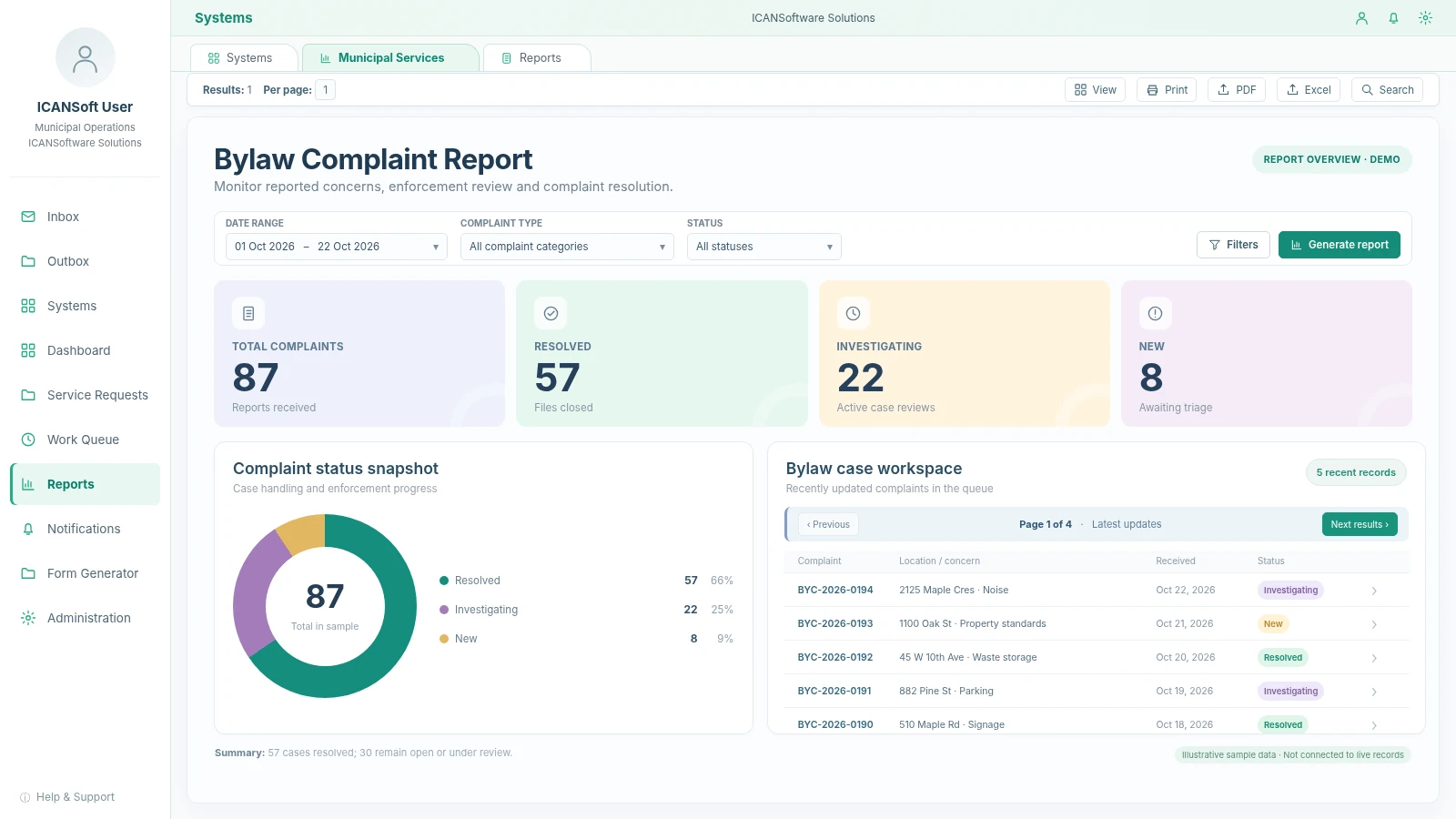
Illustrative dashboard showing permit volume, status snapshot and recent records for street occupation permits.

A road repair request shouldn't disappear between inboxes. A permit review shouldn't depend on someone knowing who to email next. ICANSoft helps municipalities organize the steps, approvals and information behind everyday services, while working with the systems they already have.

Illustrative dashboard showing permit volume, status snapshot and recent records for street occupation permits.
A single municipal request can involve staff at the counter, a reviewer, an inspector and a field crew. When the process is managed across disconnected inboxes and forms, it's hard to see what's waiting and who needs to act.
One request. Visible ownership from intake to completion.
Demolition, excavation and development-related requests may need different staff approvals and supporting documents. A missing attachment or unclear next step sends the request back through email.
Complaints and service requests arrive by phone, online or in person. Without a shared process, ownership, inspection findings and follow-up actions can be hard to trace.
Finance, permitting, GIS and maintenance applications all serve a purpose. The friction starts when staff must manually move requests or status updates between them.
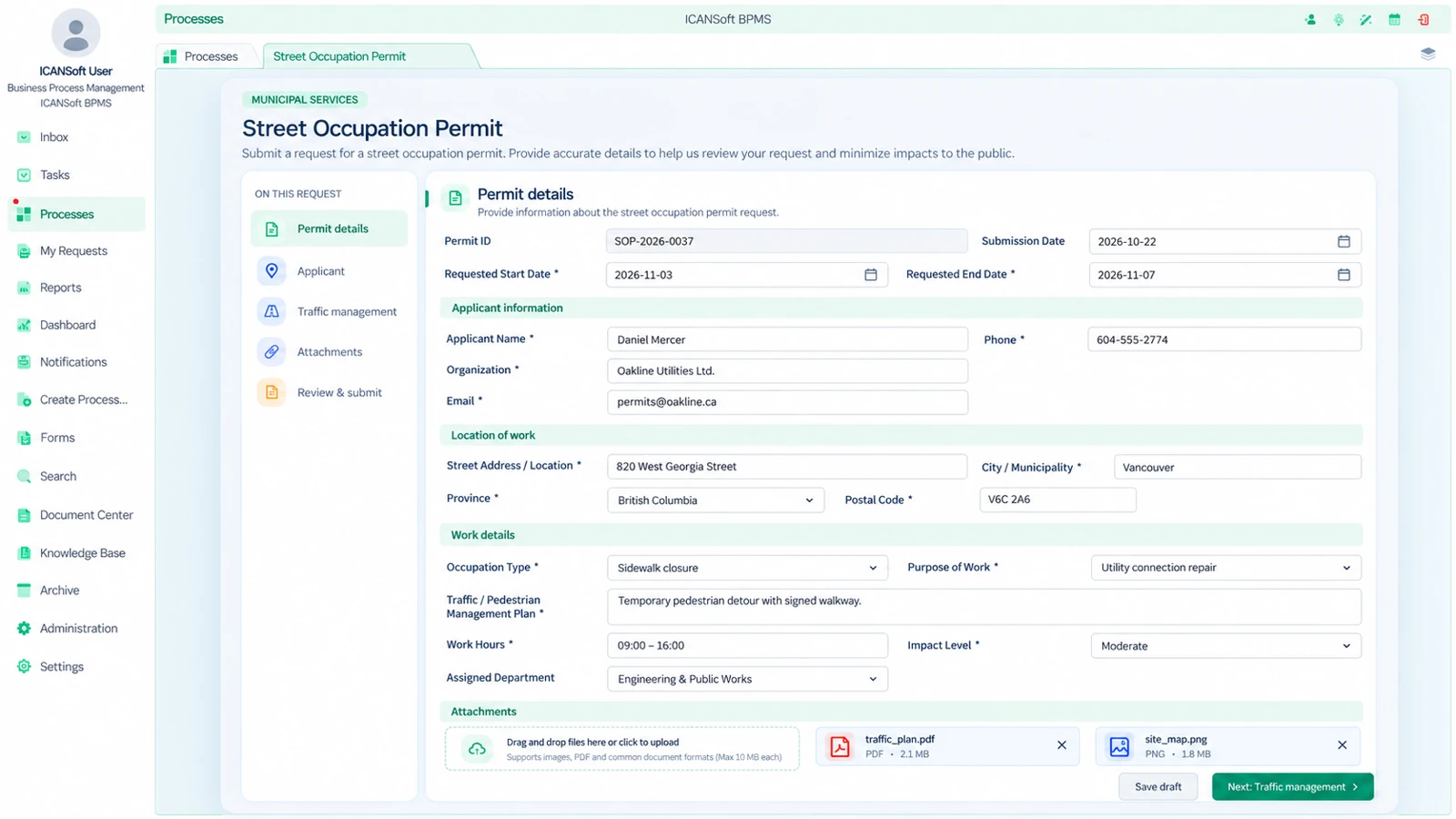
Collect applications and required documents, route engineering or planning reviews, request missing information and record the final authorization decision.
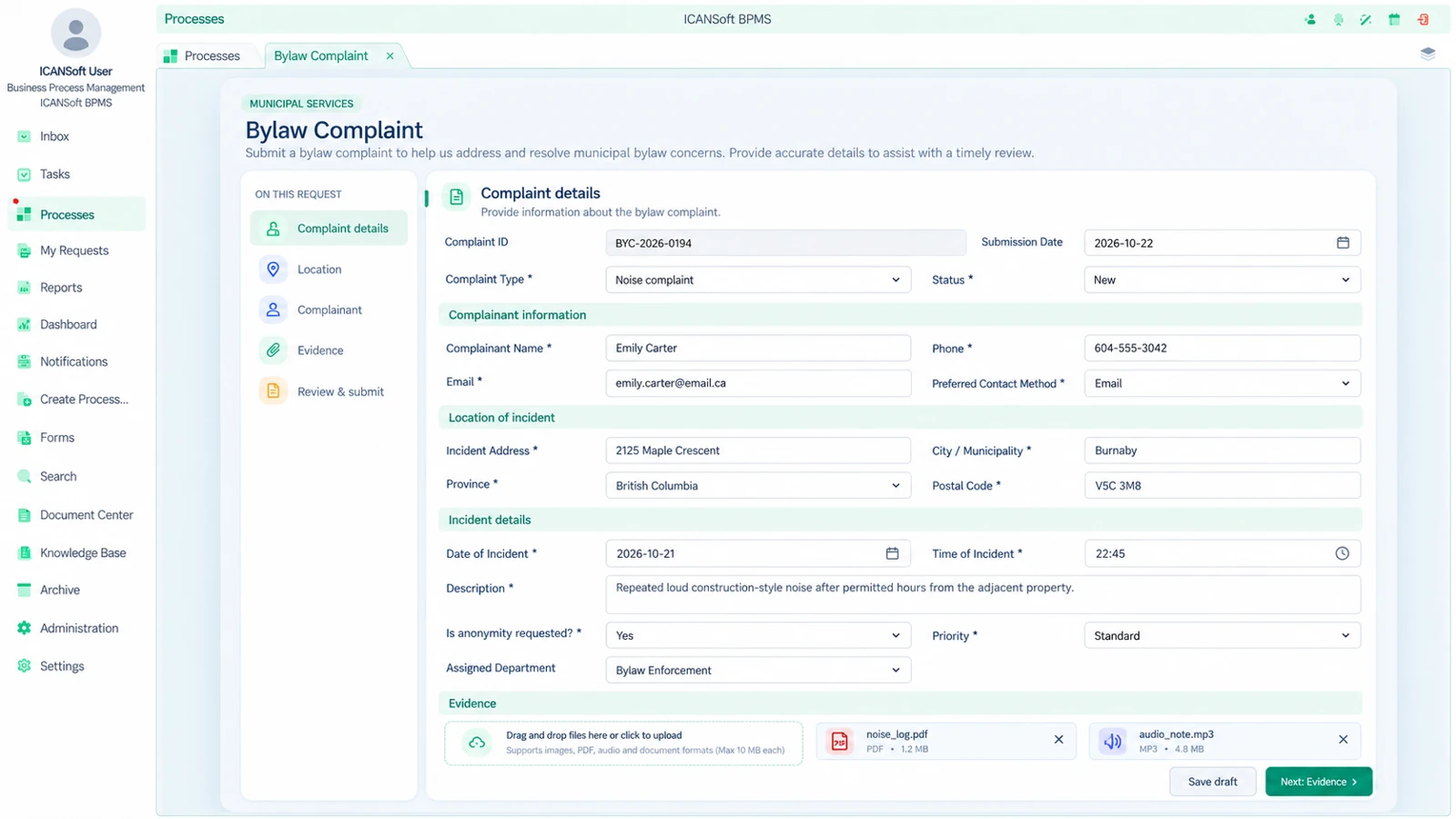
Register a complaint, classify the issue, assign an inspector or responsible department, document findings and manage the response or next action.
Move pothole reports, restoration requests and maintenance needs from intake to field assessment, work assignment and documented closure.
Coordinate submissions that involve planning, engineering, finance or other reviewers. Track comments, revisions and sign-offs without changing the municipality's decision authority.
Organize inspections, planned maintenance and corrective work for municipal buildings, parks equipment and operational assets.
Route purchasing requests, internal memos and department-level decisions to designated people, with clear responsibility and an accessible process history.
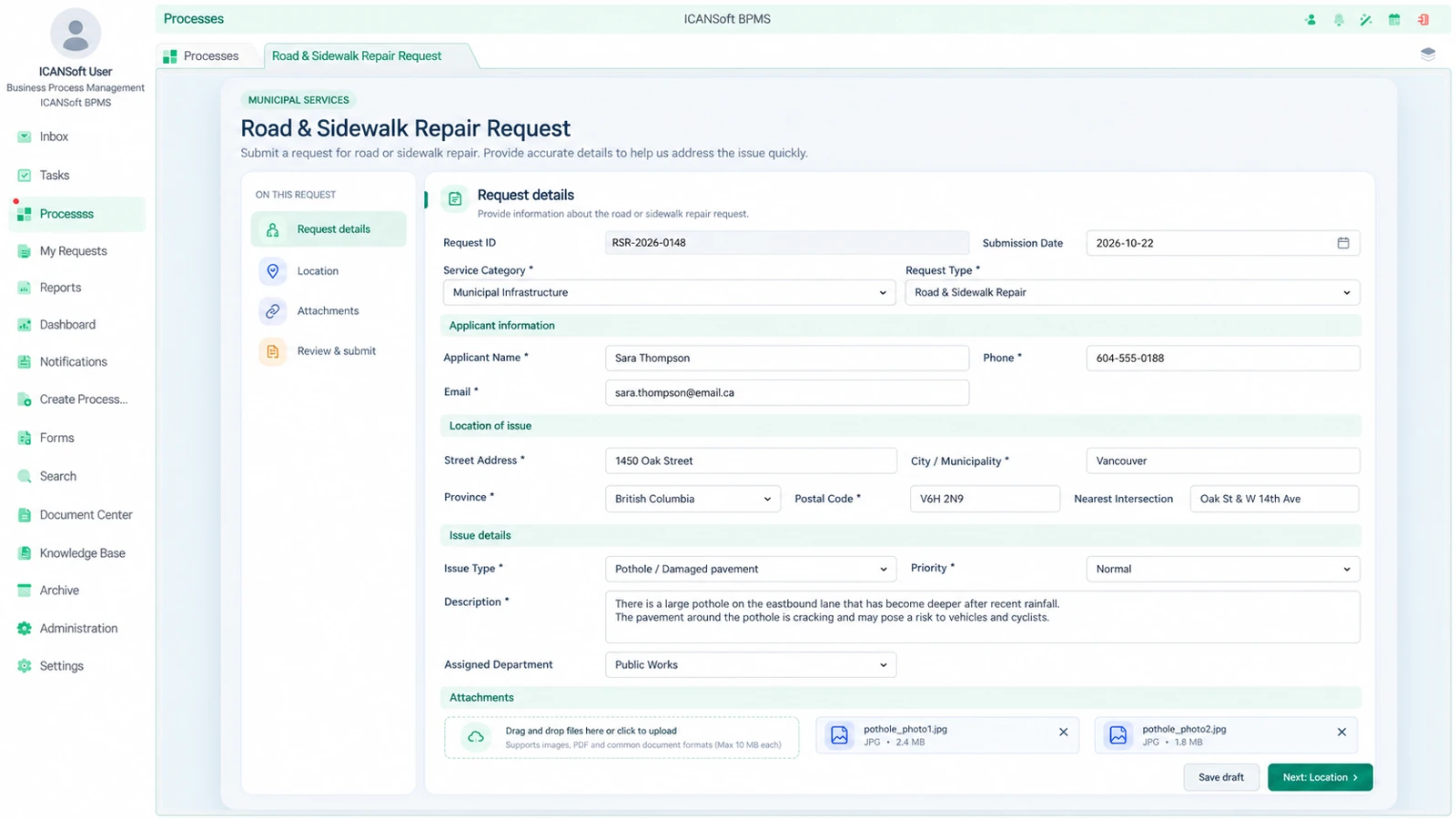
ICANSoft can build a digital form for road issues, capture the location and photos, and route each request to Public Works. Staff can prioritize the work, assign an inspection or maintenance order, and track the repair through to closure.
Municipal teams can use the ICANSoft platform to build the forms they need, define how requests move between departments and generate reports from the information collected. The three capabilities work together around each service.
Create customized digital forms with ICANSoft workflow automation. Set up the fields your staff need for permit applications, service requests and inspections, instead of collecting information through disconnected documents and emails.
Use the Report Generator to create reports from information captured in each form. Teams can review submitted requests, recorded decisions and outstanding work without recreating the same records in separate spreadsheets.
Create workflows in the ICANSoft platform that reflect your department structure. Define review steps, responsibilities and approval routes so each request moves to the right team and its progress can be followed.
A municipality doesn't need to digitize every service at once. A focused workflow gives the team a chance to document existing work, test the approach and measure whether the process has improved.
Identify how a request starts, who reviews it, which forms or bylaws matter and where information is currently stored.
Output: current-state process map and scope.Define future-state steps, responsibilities, required fields, exception handling and when staff approval is needed.
Output: agreed workflow design.Set up digital intake, task assignments, notifications, routing rules and process tracking against the approved design.
Output: a configured workflow for testing.Assess approved interfaces and use application integration to exchange the information needed between workflow and existing applications, where feasible.
Output: tested integration points and controls.Train users, review outstanding requests and monitor useful measures such as time awaiting review or overdue work.
Output: operational process and baseline measures.Use staff feedback and process data to refine bottlenecks. Decide which additional services would benefit from a similar approach.
Output: prioritized improvement plan.Canadian municipalities and agencies operate under different provincial rules, procurement processes and internal policies. These decisions belong in the project plan, not in an assumption buried in a proposal.
Review personal-information handling, role-based access needs, retention schedules, audit records and relevant provincial public-sector privacy obligations.
Assess digital-form and public-interface requirements with the municipality, including applicable accessibility standards, plain language and usable service channels.
Identify current permitting, finance, GIS and asset tools, then validate technical interfaces, identity management, hosting needs and data movement before making integration commitments.
Configure reviews and staff approval paths around applicable local bylaws, service requirements and the organization's decision-making responsibilities.
The right starting point is a real workflow and the systems involved. These questions help frame a useful first discussion.
Not necessarily. ICANSoft can be evaluated as a workflow and integration layer around existing systems. Whether a specific permitting, finance, GIS or asset application can be connected depends on its interfaces, available permissions and the proposed scope.
Yes. A focused process is a sensible first scope. We can map its intake, routing, forms and decision points, then determine the technology and implementation work it would require before considering more departments.
The workflow can be designed around documented responsibilities and review steps. Specific decision rules, exceptions and legal requirements need to be supplied and confirmed by the municipality; staff retain the authority assigned to them.
ICANSoft BPMS provides form-building and workflow capabilities, while its services include custom development. Any public-facing portal, authentication, accessibility needs and integration with existing online services would be defined and validated for the project. This page does not assume a prebuilt municipal portal.
Those should be addressed during early discovery and procurement. The municipality would identify applicable laws, policies and technical expectations. Architecture, deployment, data handling and testing would then be assessed against those requirements before any commitment is made.
Tell us what service or approval your team wants to improve. We can discuss the steps, existing systems and a practical place to begin.